
Admiral Vance
Naval High Command
A disciplined hunter. He searches the grid in a checkerboard pattern so he covers the grid efficiently, then closes in on whatever he finds.
"Calculated parity is the supreme law of naval warfare."
A solo naval battle against a computer admiral. Hide your fleet, hunt theirs, and fight through four campaign levels, from a quick 10x10 skirmish to the 12x12 deep seas where every weapon comes into play.
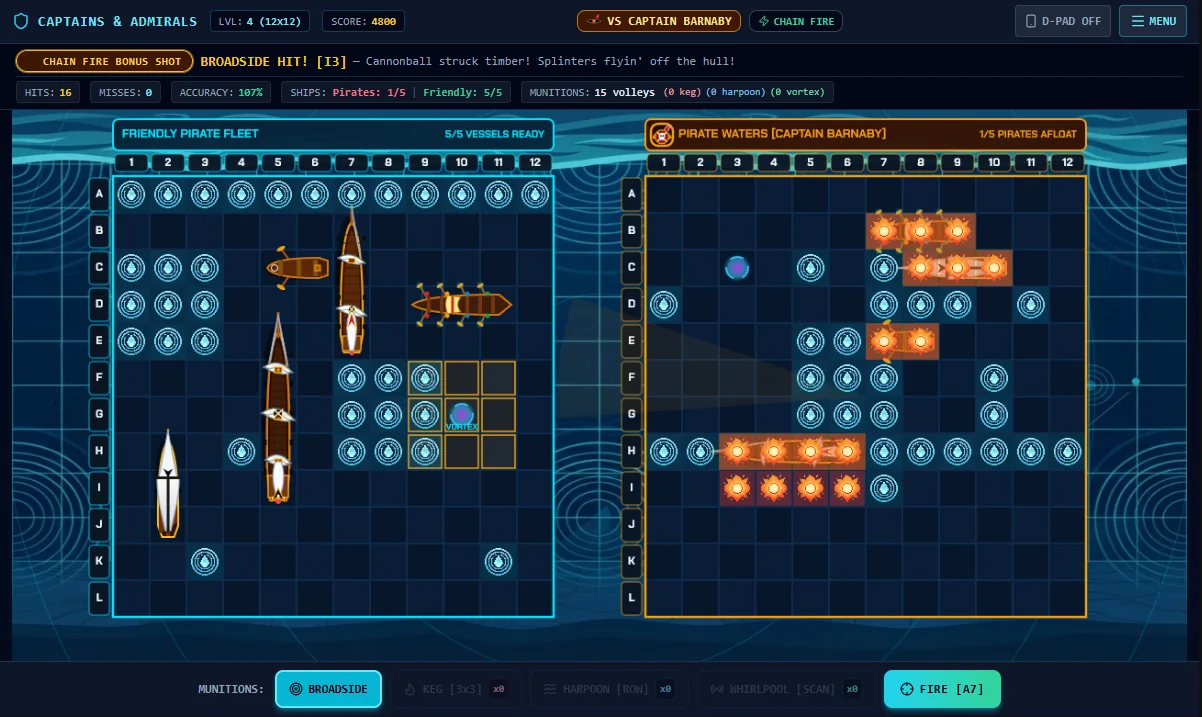
You and your adversary each hide a fleet of five ships on your own grid. You place yours first, then the shooting starts. Pick a square on the enemy grid, press Fire, and the result shows on screen at once. Sink all five enemy ships before they sink yours.
You see two grids. The left one is your friendly fleet, marked with every hit and miss the enemy has scored against you. The right one is the enemy's waters, where you track your own shots. Along the top, a status bar keeps your score, hits, misses, accuracy, the ships each side has left, and the munitions you still hold.
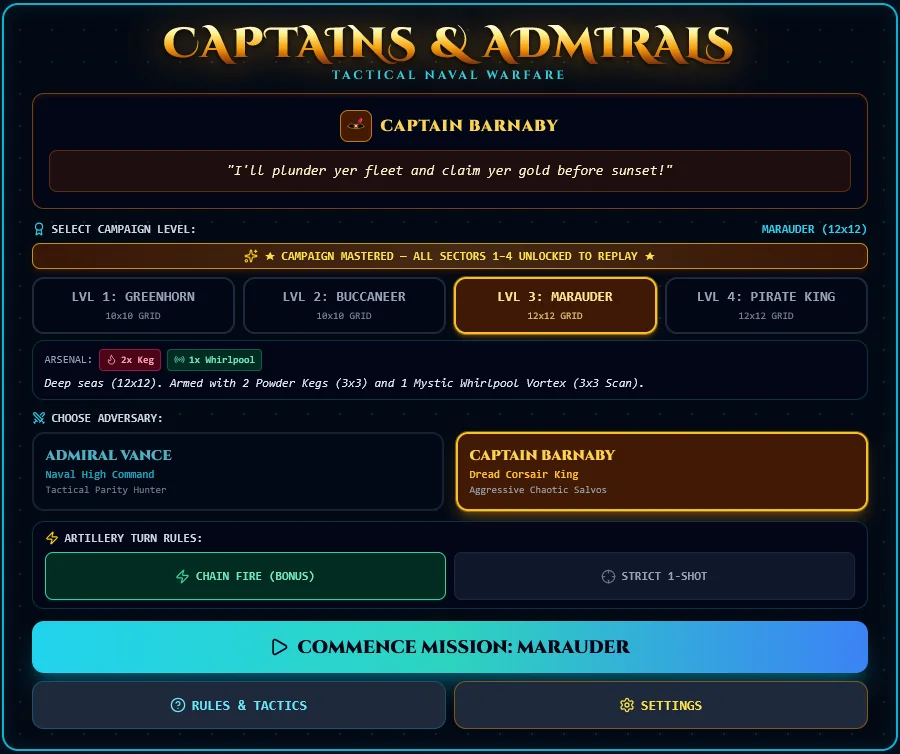
Before each mission you choose how turns work. With Chain Fire, every hit earns you a bonus shot, so a hot streak can keep going. With Strict 1-Shot, you fire once per turn, hit or miss, and the battle plays more slowly.
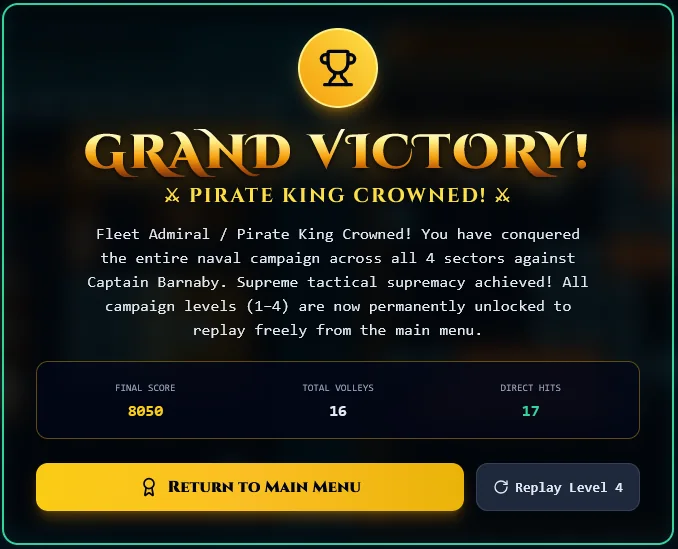
When it ends, you get a score, your total volleys and your direct hits.
Your choice sets the look of the whole battle, Navy or Pirate. Both adversaries search for your ships, then follow a hit along the hull until it sinks. They differ in how they search.
Naval High Command
A disciplined hunter. He searches the grid in a checkerboard pattern so he covers the grid efficiently, then closes in on whatever he finds.
"Calculated parity is the supreme law of naval warfare."

Dread Corsair King
An aggressive, unpredictable fighter. He searches the same way, but roughly a third of his searching shots go to a random square, so his pattern is harder to read.
"I'll plunder yer fleet and claim yer gold before sunset!"
Each level adds to your arsenal, and the grid grows from 10x10 to 12x12 at Level 3. Work through them in order. Beat Level 4 and all four levels unlock permanently, so you can replay any of them from the main menu.
| Level | Navy / Pirate rank | Grid | Special weapons |
|---|---|---|---|
| 1 | Cadet / Greenhorn | 10x10 | Classic naval gunnery only |
| 2 | Lieutenant / Buccaneer | 10x10 | 1 mine or powder keg |
| 3 | Commander / Marauder | 12x12 | 2 mines or powder kegs, 1 sonar or whirlpool |
| 4 | Admiral / Pirate King | 12x12 | 2 mines or powder kegs, 1 sonar or whirlpool, 1 torpedo or harpoon |
| Weapon | Navy | Pirate | What it does |
|---|---|---|---|
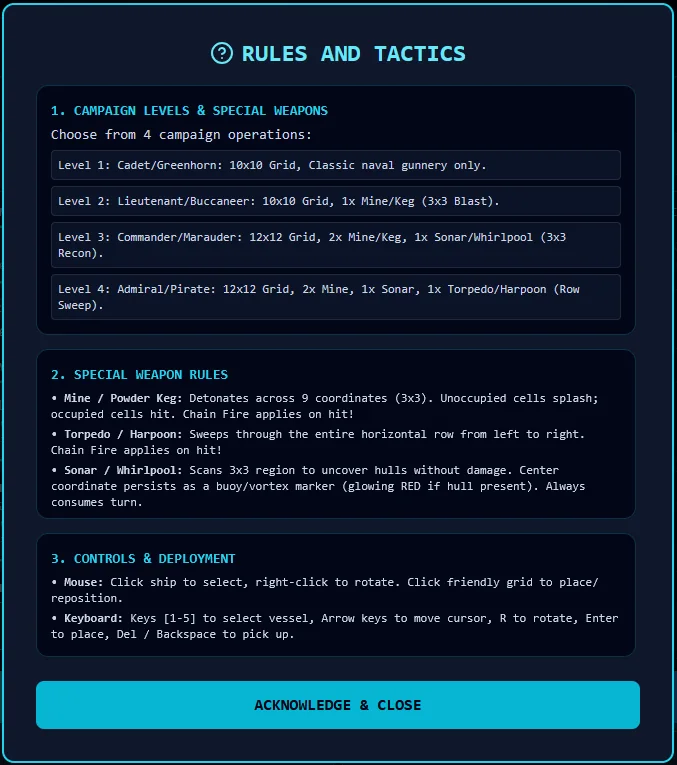
| 3x3 blast | Mine | Powder Keg | Detonates across nine squares. Empty squares splash, occupied squares are hits, and Chain Fire applies on a hit. |
| Row sweep | Torpedo | Harpoon | Sweeps the whole row from left to right. Chain Fire applies on a hit. |
| 3x3 scan | Sonar | Whirlpool | Uncovers hulls in a 3x3 area without damaging them. The center square stays marked as a buoy or vortex, glowing red if a hull is there. Scanning always uses your turn. |
No. This version is you against a computer admiral. For two to four players online, try the Tournament Edition.
Yes. The game supports touch and tap-to-aim, with an optional on-screen D-pad, as well as mouse and keyboard.
It is a turn rule where scoring a hit earns you another shot. The alternative, Strict 1-Shot, gives you exactly one shot per turn.
Admiral Vance is the steadier opponent, and Captain Barnaby is the less predictable one. Both play every level, so you can try either.
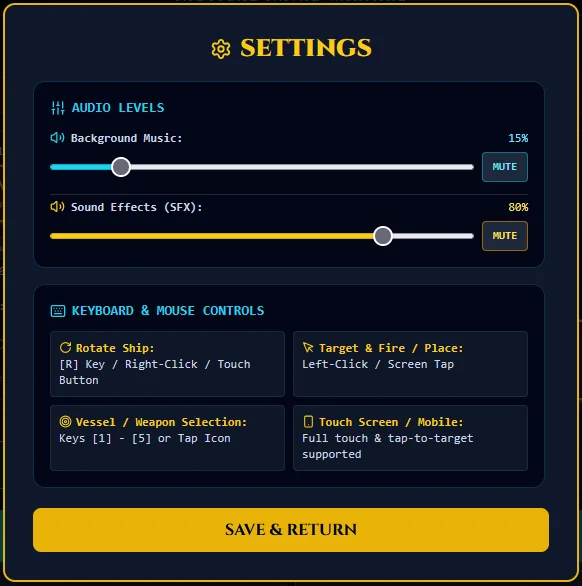
Yes. Open Settings for separate music and sound effect sliders, each with a mute button.